Separate progress from saved content
A partial response and a saved document have different lifecycles. The product has to make progress visible while preserving a clear representation of the work that is ready to use.
Owned-product case study / AI & web software
A question, an image, a document, and a presentation each need a different interaction. Brainbaby AI brings those experiences into a shared product environment.
Discuss your project Web workspace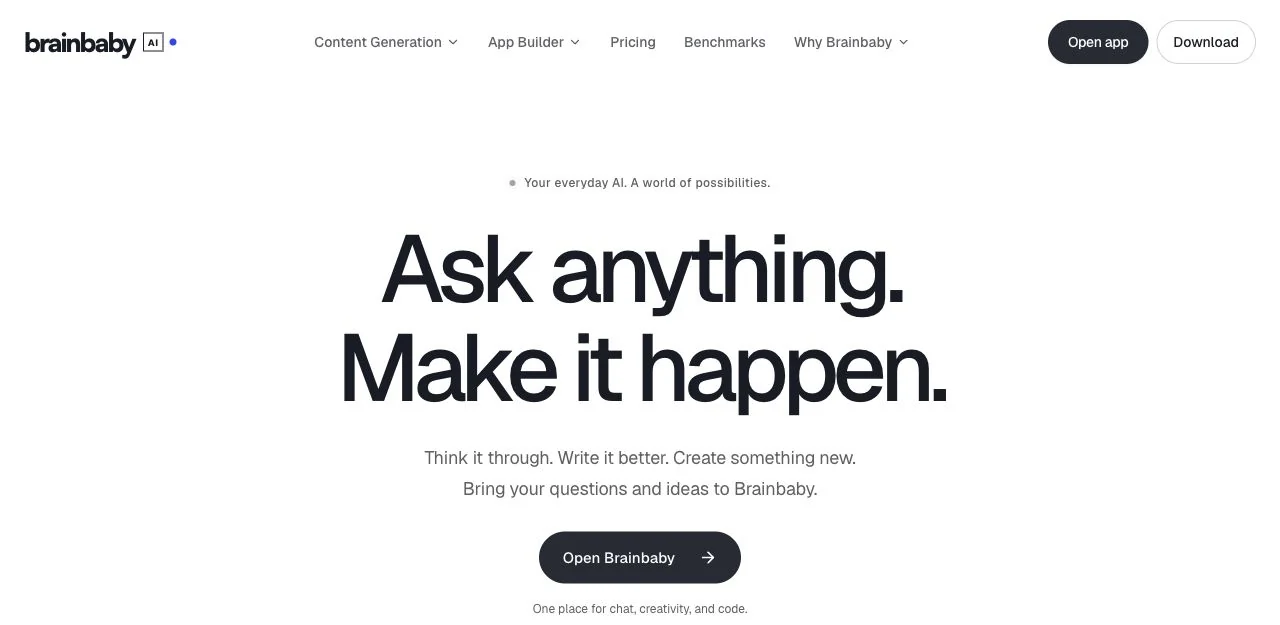
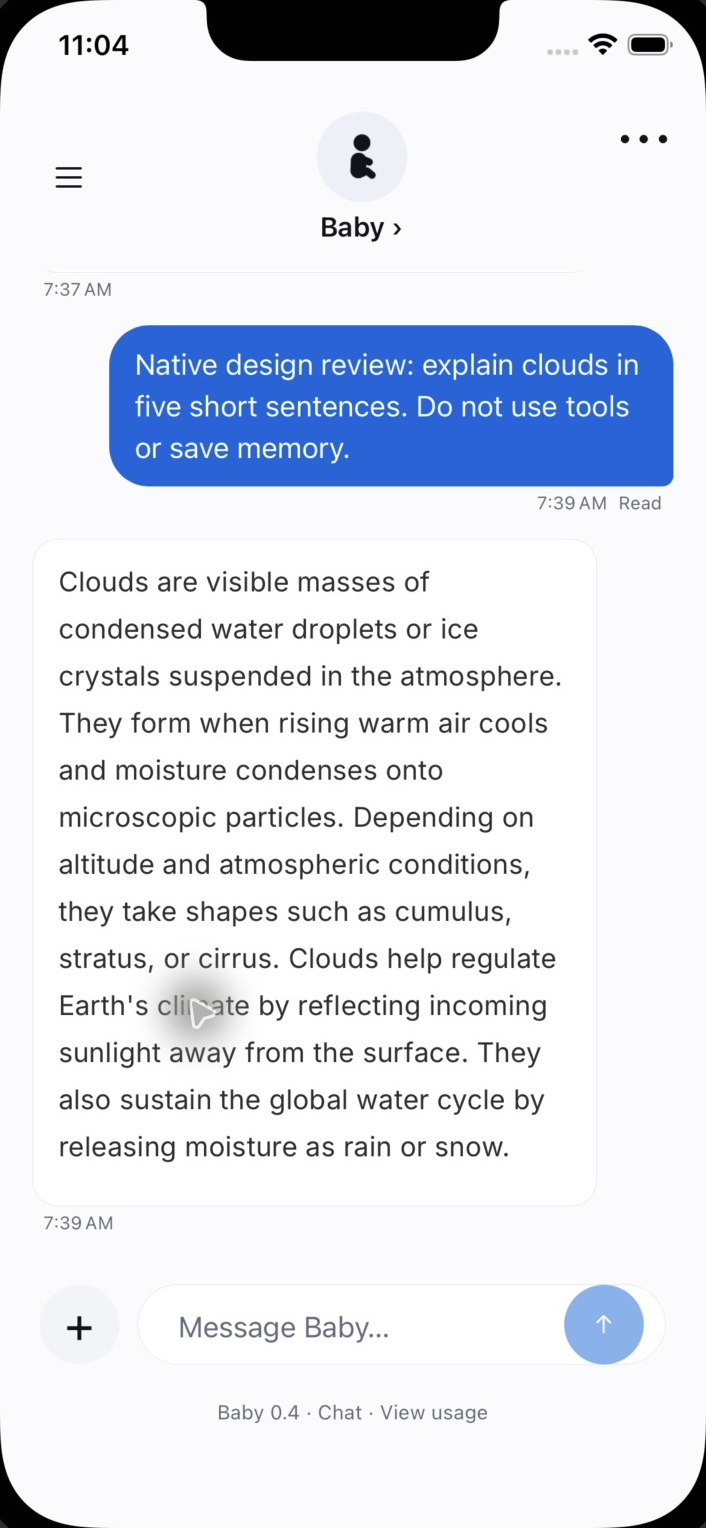
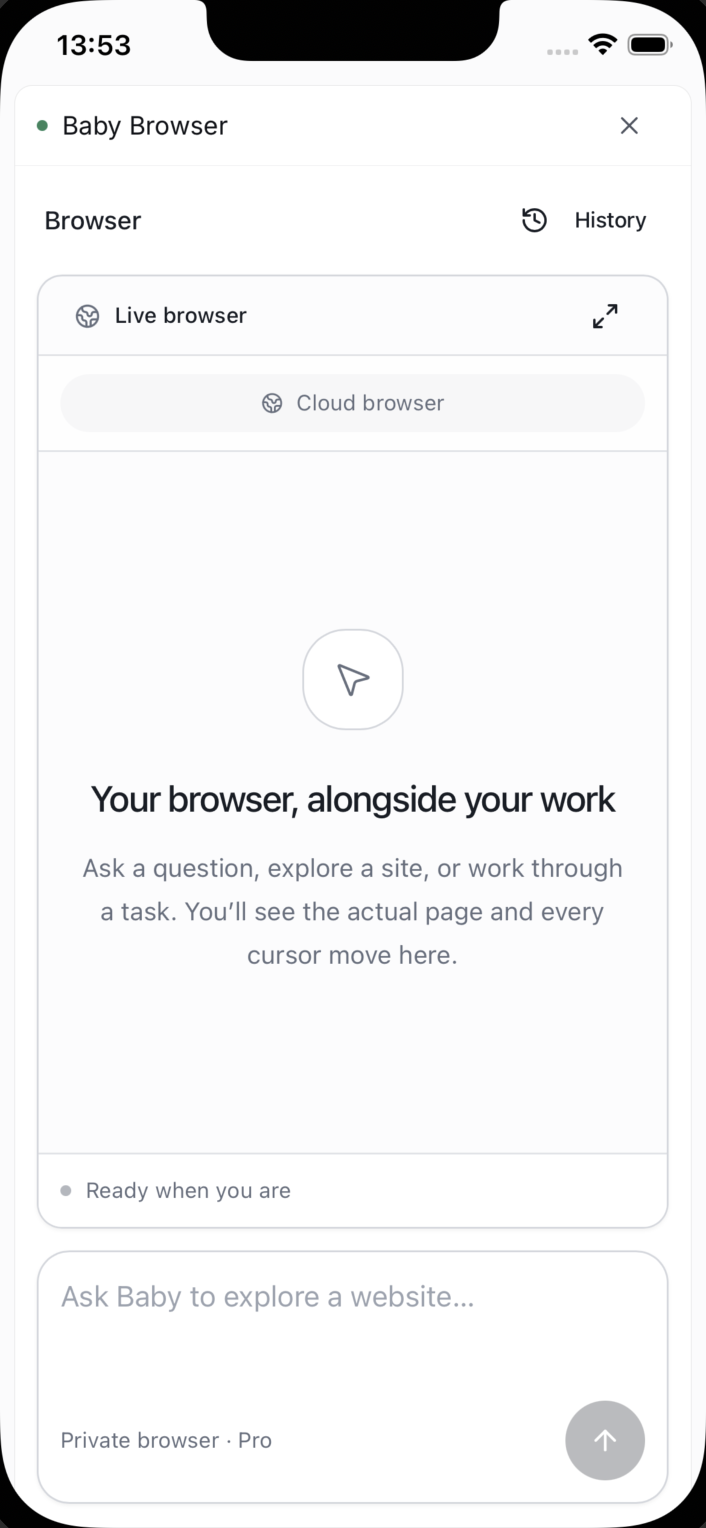
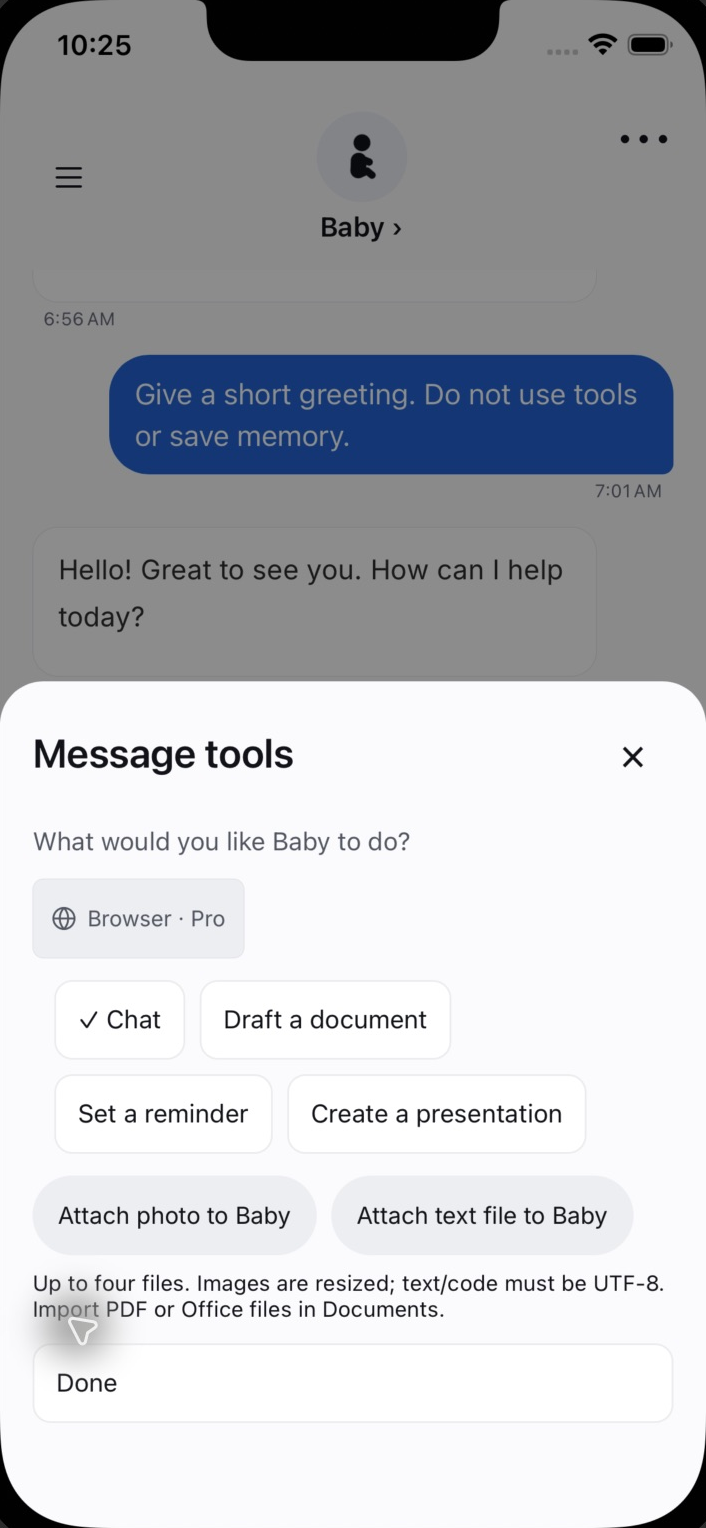
Native development previews: 6 October 2026. Web workspaces: 3 October 2026. These are dated interface examples; the newer native design is a local QA candidate, not a store release. Web creative briefs show setup only.
Delivery evidence / Reviewed 19 September 2026
The document interface includes folders, search, document and spreadsheet views, and sharing controls. That gives generated content a place in an ongoing workflow.
This describes the reviewed implementation. Screenshots may show an earlier release; production availability is confirmed during a product walkthrough.
Under the surface / Product engineering
Brainbaby AI connects a conversation interface to generation workflows and saved outputs. The implementation separates what the user is seeing now from the work they can return to later.
A user starts a conversation or chooses a creation workflow. The interface represents the request and its current state.
Simplified product flow, based on an implementation review in September 2026.
A partial response and a saved document have different lifecycles. The product has to make progress visible while preserving a clear representation of the work that is ready to use.
Chat, documents, presentations, and media use different viewers and actions. Shared navigation connects them, while dedicated interfaces make each output usable.
The chat implementation tracks streams and conversation context. Returning to work after navigation or a connection problem is part of the application experience.
Observed implementation scope
A focused product walkthrough
Browser workspace / 3 October 2026
Software needs space for the task, its controls and the next decision. These wide views show how Brainbaby brings coding and presentation briefs into dedicated browser workspaces. Both examples start with the same fictional customer-portal project.
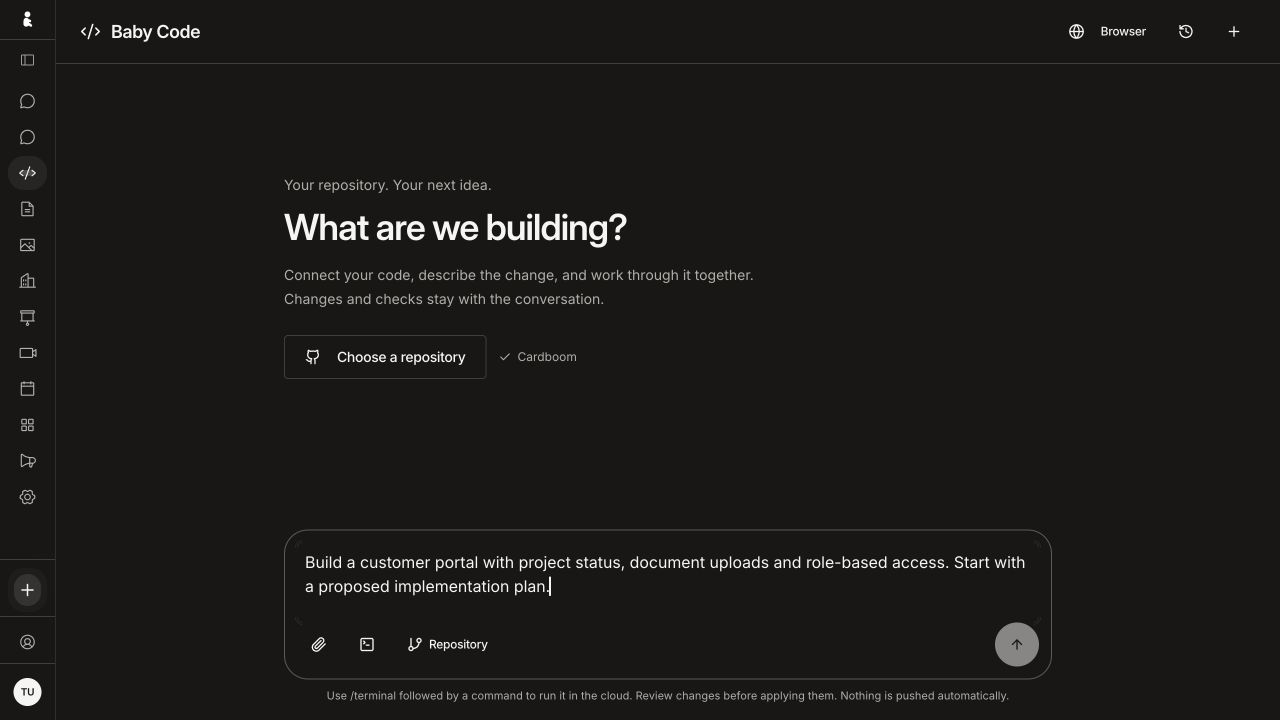
Baby Code with an unsent customer-portal brief, repository selection and source-file and cloud-command entry controls. Browser capture at 1280 × 720.
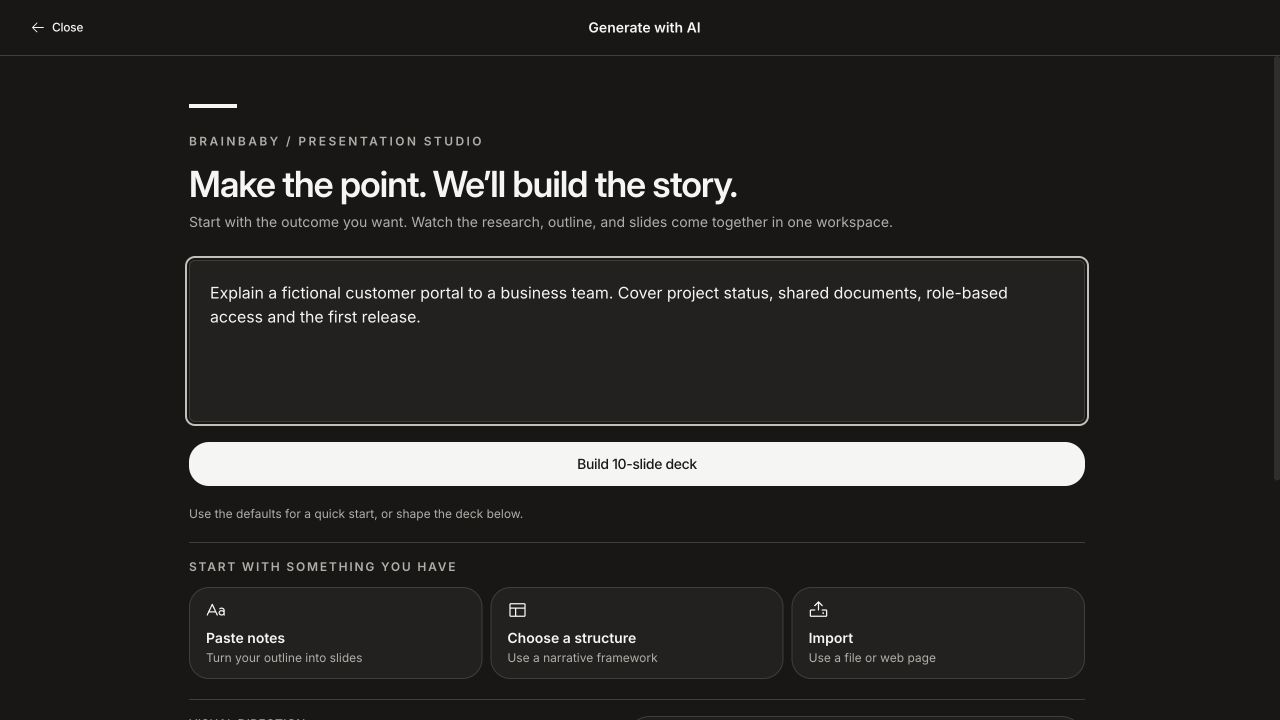
Presentation studio with an unsent customer-portal brief and entry points for notes, a narrative structure or imported material. Browser capture at 1280 × 720.
Captured from the signed-in browser interface on 3 October 2026. These are setup screens with fictional text: no repository was selected, command run, code sent or deck generated for these captures. They show the web interface, rather than a native Mac client or completed workflow.
Brainbaby · iOS · 2026-10-06
Native development previews: 6 October 2026. Web workspaces: 3 October 2026. These are dated interface examples; the newer native design is a local QA candidate, not a store release. Web creative briefs show setup only.
Recorded product example / September 2026 archive
These two recorded web examples show image outputs inside Brainbaby’s viewer. The chair capture also preserves the original prompt excerpt. For your product, the result view, saved work and next action belong in the same design conversation.


Archived September 2026 web captures, kept separate from the 3 October workspace screens. These are completed example images, not native app captures, a current-model benchmark or a guarantee of the same output. Original interface pixels are preserved; sharing and downloading were not retested for this website update.
Use our blank worksheet to compare image creation and editing tools. Record the task, settings, attempts and cost of each usable result. For edits, inspect what changed and what stayed intact against your original photo at full size.
Original Brainbaby worksheet · Markdown text · No account needed · CC BY 4.0 with attribution
These are suggested exercises, not measured tool rankings. The worksheet does not include image jobs. The checklist links to Image Studio; an account is required there. Check its free allowance and displayed credit cost before generating.
People create different kinds of material while working on the same idea. The product challenge is to make each output usable without making the surrounding workspace difficult to understand.
Chat needs a readable conversation. Image and video workflows need input controls and a viewer. Documents and presentations need dedicated reading and editing experiences. A shared product must help the user recognise what is ready and where to go next.
Brainbaby AI includes chat, image and video generation workflows, documents, and presentations. The wider platform also presents software creation and coding workflows. Brainbaby Labs builds, owns, and operates the product.
The portfolio screenshots show the application interface. A product walkthrough can demonstrate the features available in the current release and explain the roadmap.
Open the product and follow a complete workflow: provide input, review progress, inspect the output, and decide what to do next. Ask about account access, usage limits, storage, and the behaviour when a request fails.
These are useful discussion points for a web application or AI integration brief. A walkthrough helps your team identify the interaction patterns and system requirements that matter for its own product.
If your project needs several connected workflows, start by identifying the most important journey and the output the user needs. We can discuss the interface, backend, and evaluation work required for a first release.
Start a conversation
Share the outcome you need, the systems involved, and the constraints you already know. We’ll use that to discuss the right next step.
Start a project enquiry reach@brainbaby.ai See how engagements start