Shared product flow
For accounts, forms and a catalogue, ask the team to show the same complete journey on both platforms. Specify the backend and web tools that support it.
03 / Mobile applications
Mobile products people want to return to.
Turn a useful idea into a clear mobile experience. We bring product design, application engineering, and the backend together around the journeys that matter.
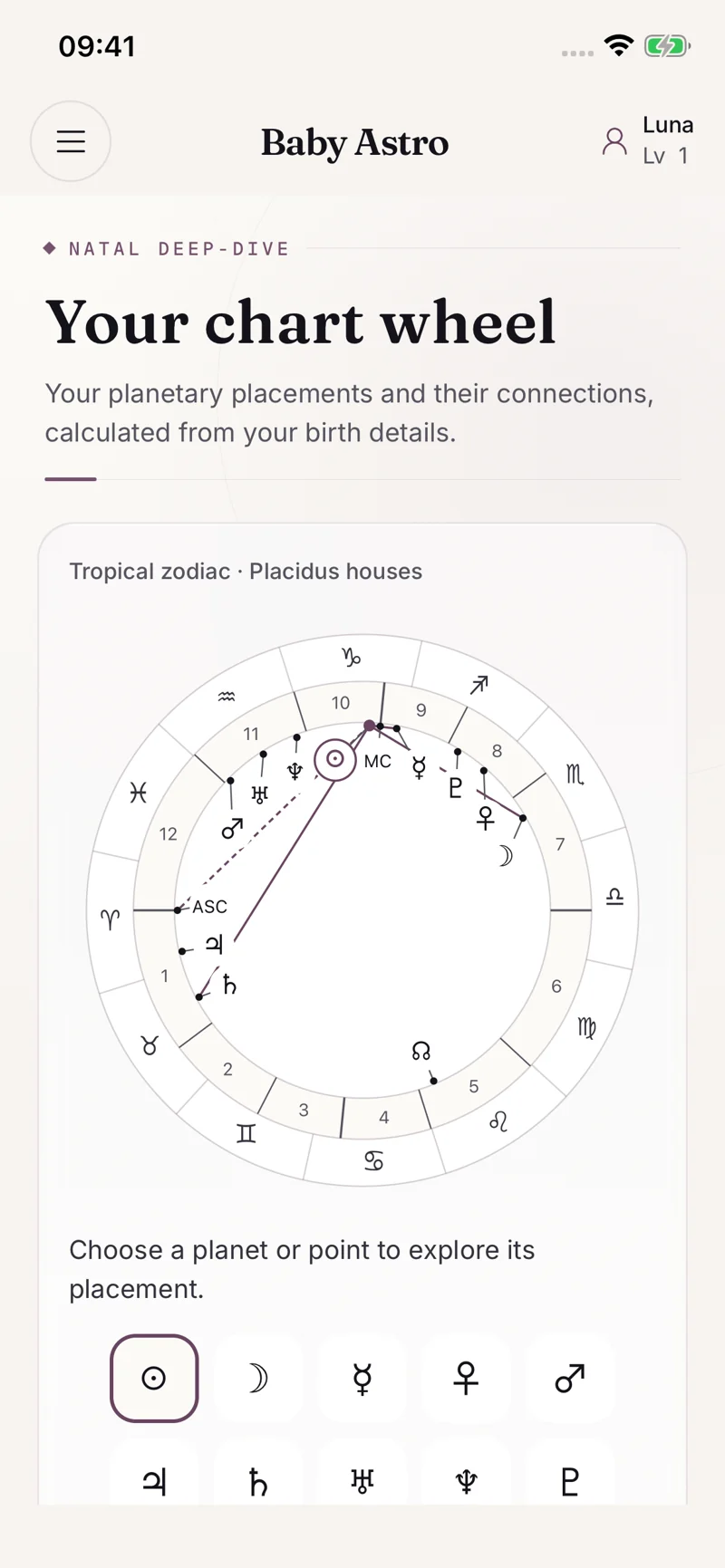
One product. Clear responsibilities across the whole system.
Owned-product example / Baby Astro
Review the interface, then use the case study to discuss the workflow and the systems behind it. These are our portfolio products; your project needs its own scope and acceptance criteria.
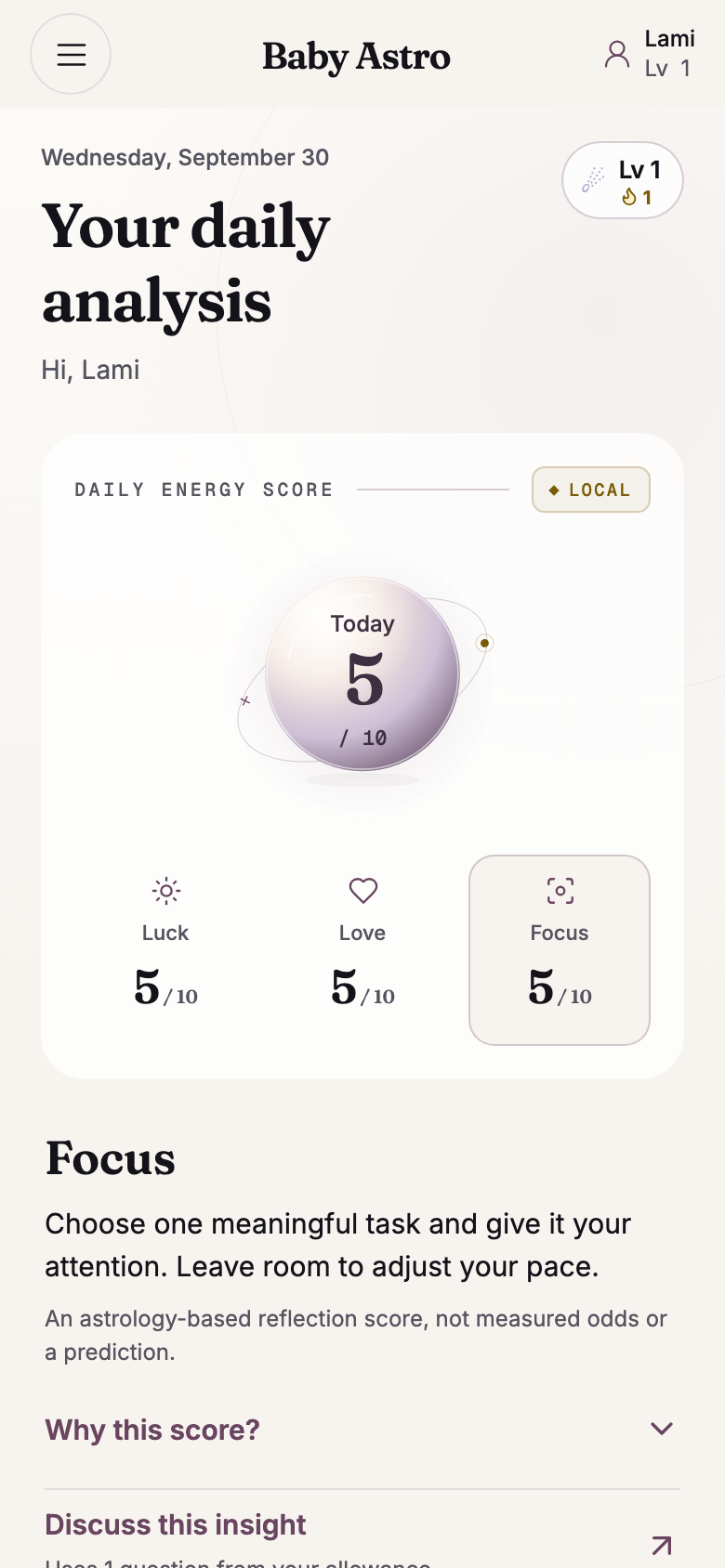
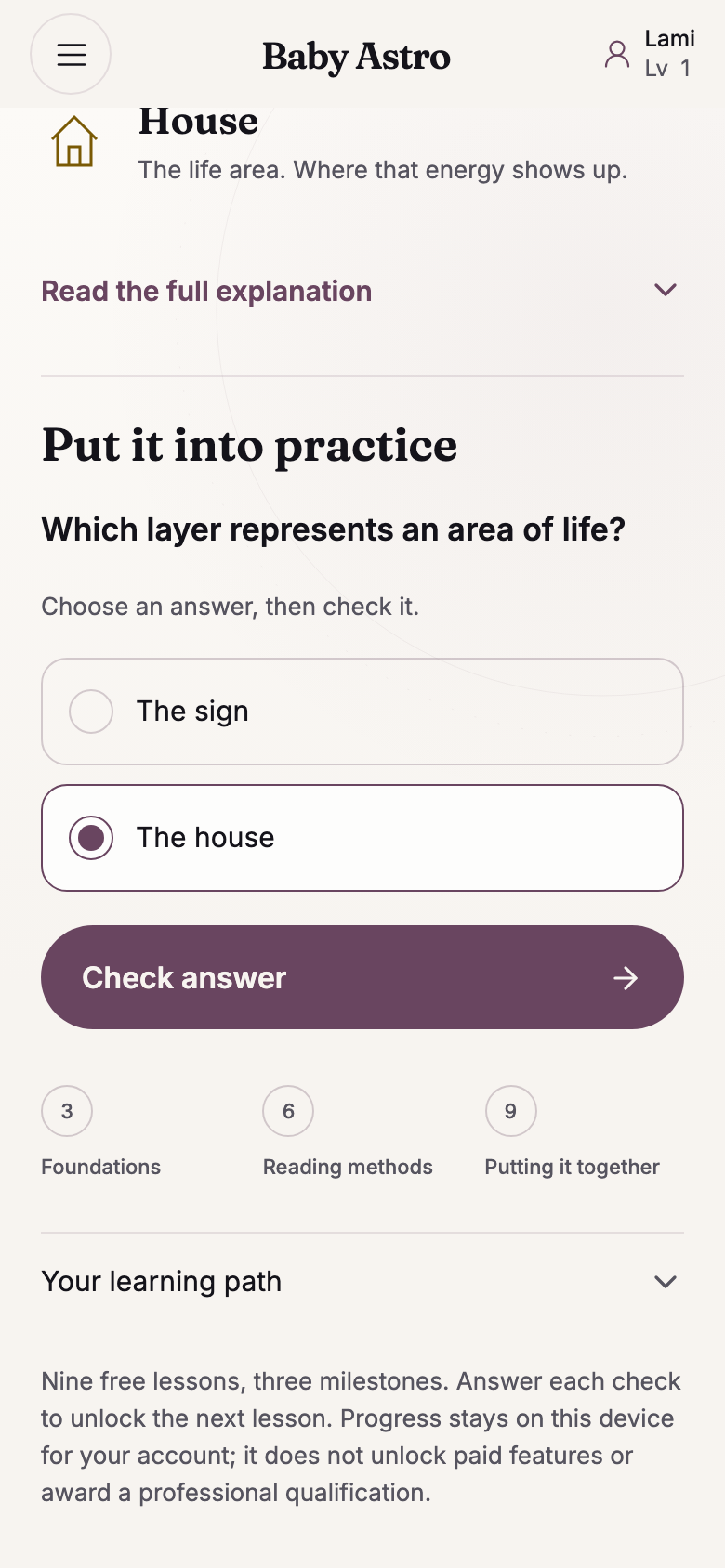
Daily analysis, lesson and quiz: Expo web QA, 30 September 2026, with synthetic data. Chart and menu: September iOS demo captures. Development previews are separate from store availability.
Daily analysis, lesson and quiz: Expo web QA, 30 September 2026, with synthetic data. Chart and menu: September iOS demo captures. Development previews are separate from store availability.
Mobile users need to understand the next action without navigating a complicated interface. We plan the main workflow alongside onboarding, permissions, account recovery, notifications, and payment or subscription journeys where needed.
The choice between a shared codebase and platform-specific work follows the product’s needs. Device capabilities, offline behaviour, performance, accessibility, and maintenance all belong in that decision.
A project begins with a brief, a first-release scope, and designs for the essential screens. Delivery milestones should produce working builds that the project team can review. Acceptance criteria keep feedback tied to agreed behaviour.
Testing covers the supported devices and important states, including interruptions, poor connectivity, rejected permissions, and failed requests. Store submission responsibilities and the material needed for release are included in the plan.
An app requires maintenance as platforms and dependencies change. We agree the ownership of store accounts, source code, backend services, and documentation before handover. Ongoing support and future development are scoped to your needs.
Our owned portfolio includes Baby Astro, Cardboom, and other consumer products. Review the product examples to see how the interface and underlying workflow fit together, then discuss the specific requirements for your app.
iOS · Android · Cross-platform development
Commission an iOS and Android app around the task people need to complete. Cross-platform apps can still need platform-specific code. Agree what can be shared, what needs separate work, and what the first working build must demonstrate.
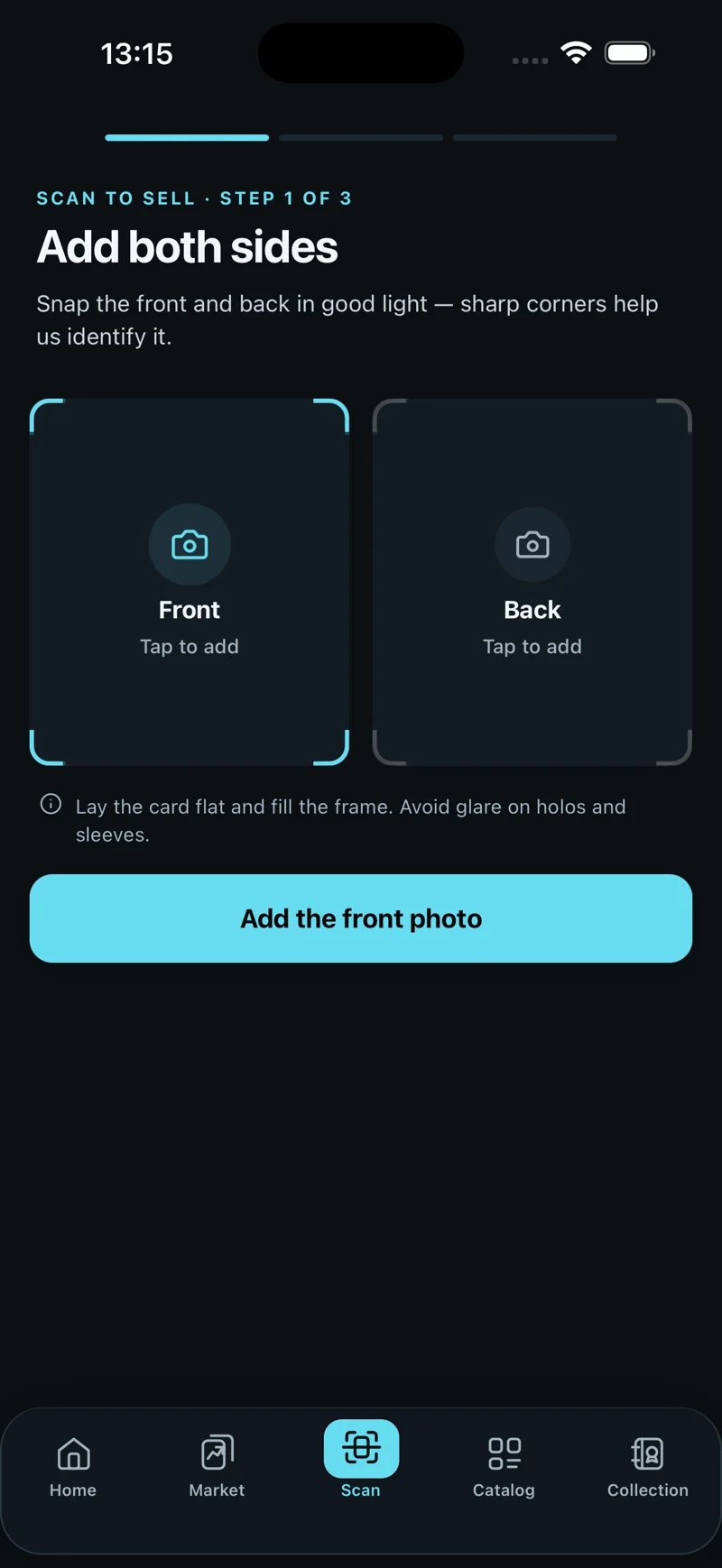
Owned-product interface example. This screen does not demonstrate a completed scan or device testing.
Inspect the Cardboom case studyBefore we build
The proposal identifies the interface, backend, integrations, supported devices and store-submission responsibilities. We agree which parts Brainbaby Labs delivers and which your team provides. Reviewable builds, acceptance criteria and account ownership belong in the scope; an app-store approval date cannot be guaranteed.
An estimate follows the user roles, workflows, existing systems, integrations and release requirements. Share your brief or current application so we can discuss the unknowns and a first milestone. The written proposal sets out assumptions, exclusions and the process for scope changes; a general price range is not a project quote.
The project agreement defines source code, design files, data, accounts and third-party components. Handover should include the context needed to operate and change the system. Hosting, monitoring, maintenance and support responsibilities are scoped explicitly rather than assumed to be included in every build.
From planning to a useful conversation
Define the first release before comparing proposals. Write what you know, leave open questions visible, then download a brief you can edit and share with a development team.
Brainbaby Labs — Your software project brief template

Main project type: Mobile App Development Services

1. Outcome
What problem should improve, and how will you recognise improvement?
To be discussed

2. Users and access
Who uses it? Which roles, devices or accessibility needs matter?
To be discussed

3. One complete first-release journey
From the first action to a useful result, including waiting and recovery.
To be discussed

4. Existing systems and integrations
What already exists? Who owns access? What still needs investigation?
To be discussed

5. Release and budget constraints
Target window, platforms, spending limit and known dependencies.
To be discussed

6. Acceptance and ownership
What demonstration proves completion? Who owns accounts, code and operations?
To be discussed

Questions to resolve with the development team
- Agree deliverables, exclusions and acceptance criteria.
- Separate build costs from hosting, provider usage and support.
- Record ownership, handover and responsibilities after launch.

Discuss this project carries your brief to the form in this tab, using browser storage for up to 30 minutes. Review and submit it yourself; nothing is sent yet. Use non-sensitive examples. Download a copy before leaving.
Discuss this project carries your brief to the form in this tab, using browser storage for up to 30 minutes. Review and submit it yourself; nothing is sent yet. Use non-sensitive examples. Download a copy before leaving.
Start a conversation
Share the outcome you need, the systems involved, and the constraints you already know. We’ll use that to discuss the right next step.
Start a project enquiry reach@brainbaby.ai See how engagements start