A customer portal gives people a place to see their records, share documents and request an action without starting another email chain. Its value depends on the journey it completes: finding an order, checking its status, requesting a change and knowing what happened next. Begin customer portal development with that journey and the systems behind it.
This guide helps a business prepare a portal brief and assess a development proposal. It covers who can access each record, how existing systems connect, what a first release should demonstrate and who operates it afterward. The diagram is a planning illustration, not a completed client project or a price quotation.
Choose the first customer journey before the feature list
Name the people who will use the portal and the task they repeat today. For an order portal, the first journey might cover sign-in, the customer’s order list, a status page and a change request. Keep supplier access, reporting and additional workflows visible as later decisions.
Compare an existing portal product with custom development against this same journey. A standard product may fit a common process. A custom build deserves consideration when account relationships, approvals or integrations require behavior the available product cannot provide. Validate the gap before deciding to build.
Define access by customer organisation and record
Map customers, account administrators and your operations team to the records and actions they need. Agree how invitations, organisation changes, account removal and delegated access work. Permission checks belong on the server for each requested record; hiding a button is insufficient.
Include concrete acceptance examples: a person sees their own organisation’s orders, cannot retrieve another customer’s document and loses access when removed. Decide who approves wider access and how support investigates a disputed action. These examples make the proposed permissions understandable to both teams.
Connect CRM, ERP and billing around a source of truth
Identify which system owns each field. The portal might display an order from an ERP, an account contact from a CRM and an invoice from a billing service. Specify whether the portal only reads a record or can request an update. Confirm available interfaces and access with each system owner.
Demonstrate the hardest connection early using representative, non-sensitive records. Agree how stale data is marked, how updates are reconciled and what happens during an outage. A portal should explain a pending request rather than showing an unconfirmed change as completed.
Scope documents, notifications and payments separately
For documents, list permitted file types, access rules, retention decisions and who manages replacements. For notifications, define the event, recipient and a useful link back to the portal. An invoice download, payment link and in-portal checkout are different scopes; identify the required one.
When a payment provider is involved, define how its confirmed events update the portal. Stripe documents event retries and duplicate deliveries. Review repeated submissions and delayed confirmations with your development team; a browser success message alone should not decide payment status.
Accept a complete first release, including recovery
Ask for a demonstration using the agreed customer and operations roles. Follow the journey from sign-in to its confirmed result, then review denied access, missing documents, a failed integration and a repeated request. Include accessible forms, useful loading states and support context in acceptance.
The proposal should name deliverables, dependencies, exclusions and review points. Separate interface approval from integration proof and release acceptance. Discuss cost and timing after the uncertain connections are understood; a generic portal price cannot describe your particular systems and responsibilities.
Agree ownership, handover and support before launch
Record the source-code and design rights, domain and service-account ownership, deployment documentation and responsibilities after release. Identify who receives operational alerts, handles customer access requests and approves changes. Monitoring and ongoing support should have an explicit scope.
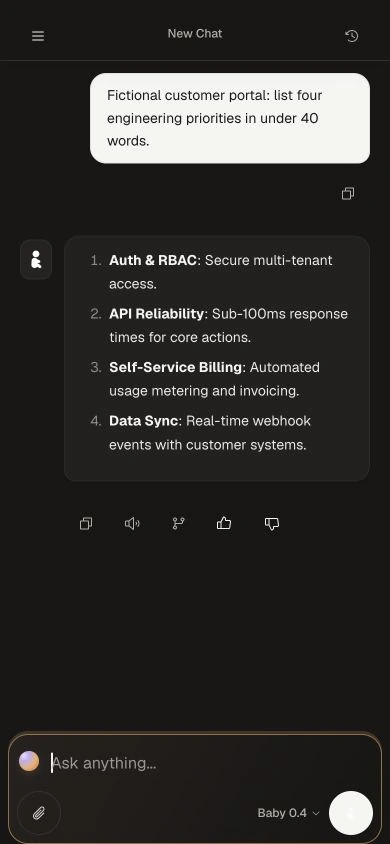
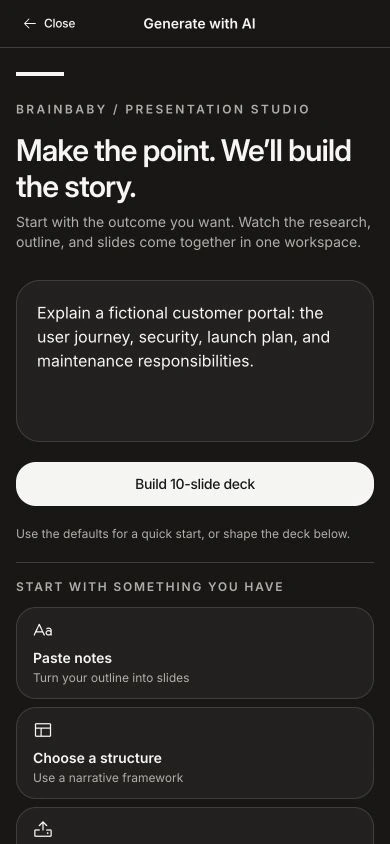
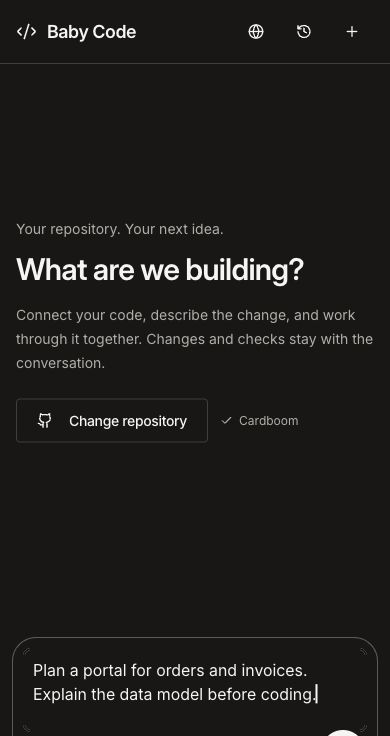
Brainbaby Labs develops web applications and the infrastructure around them. Share your current workflow, existing systems and first-release goal so we can discuss discovery or a defined implementation. Inspect our owned-product interfaces below, then use the brief template to prepare the conversation.