A React Native versus Flutter decision should start with the app you need to operate. A catalogue, a customer portal and a camera-led mobile tool can impose different requirements even when their first designs look similar. The useful comparison is whether the proposed implementation meets those requirements and whether your team can maintain it.
This guide sets out the questions we use to discuss a mobile, web and backend brief. The portfolio examples show actual interfaces and their capture context; they are not a controlled performance comparison between frameworks.
Start with the journey and the supported platforms
Write down one complete journey before choosing the framework: for example, a collector identifies a card, checks the match and saves it to a collection. Include permission denial, an interrupted connection and a failed save. Name the supported devices, operating systems, languages and accessibility requirements.
Review an implementation or a small prototype of the risky part. If the product depends on a specialist device capability, compare a native implementation as well. If its central job is a real-time game or simulation, include an appropriate game engine in the assessment. These are project-specific alternatives rather than a universal rule that one framework wins.
From our portfolio
See the products behind the guides.
Explore three products built, owned and operated by Brainbaby Labs. Start with the interface, then review the case study for the product decisions and engineering context relevant to your project.
Mobile applications
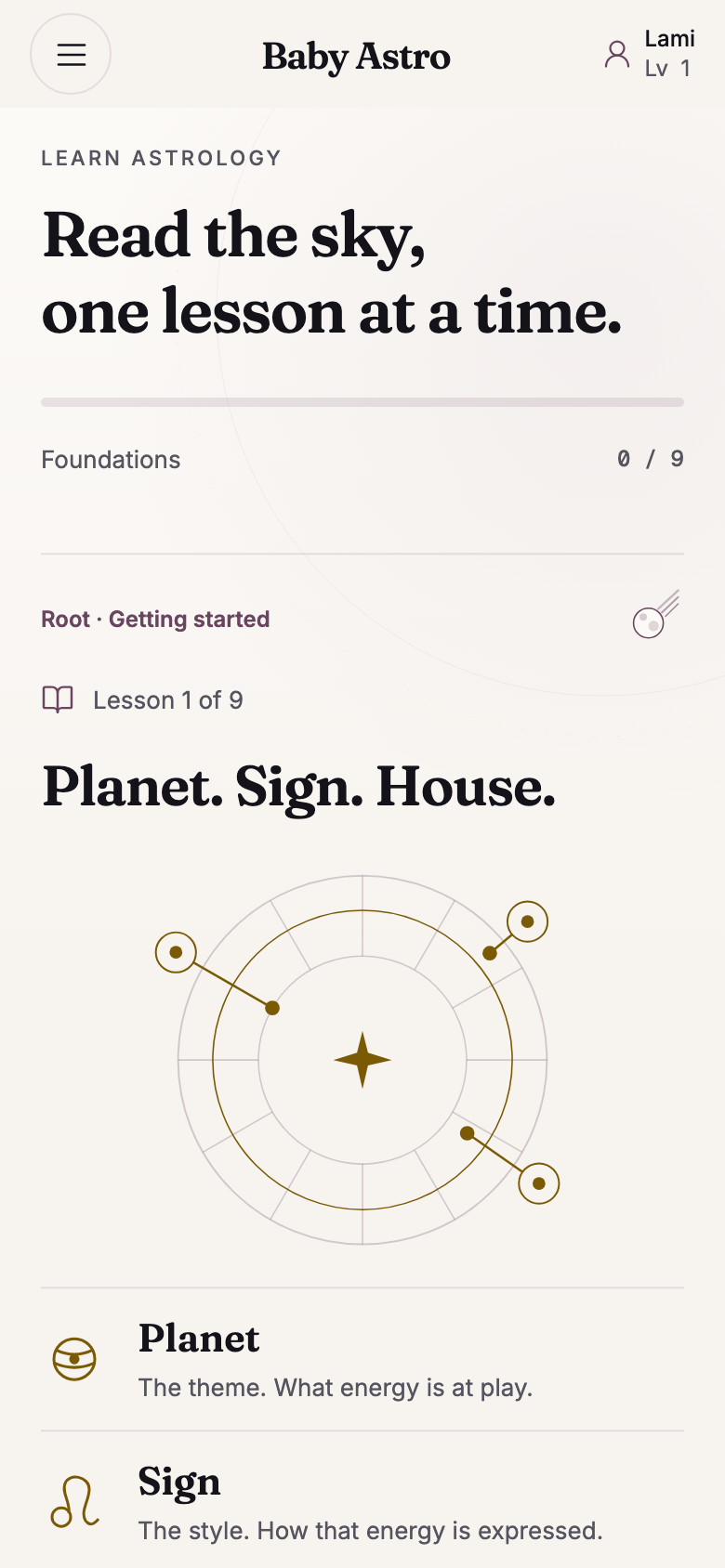
Baby Astro
Review how Baby Astro brings chart navigation, learning and daily insights into a mobile experience.
Web applications and AI
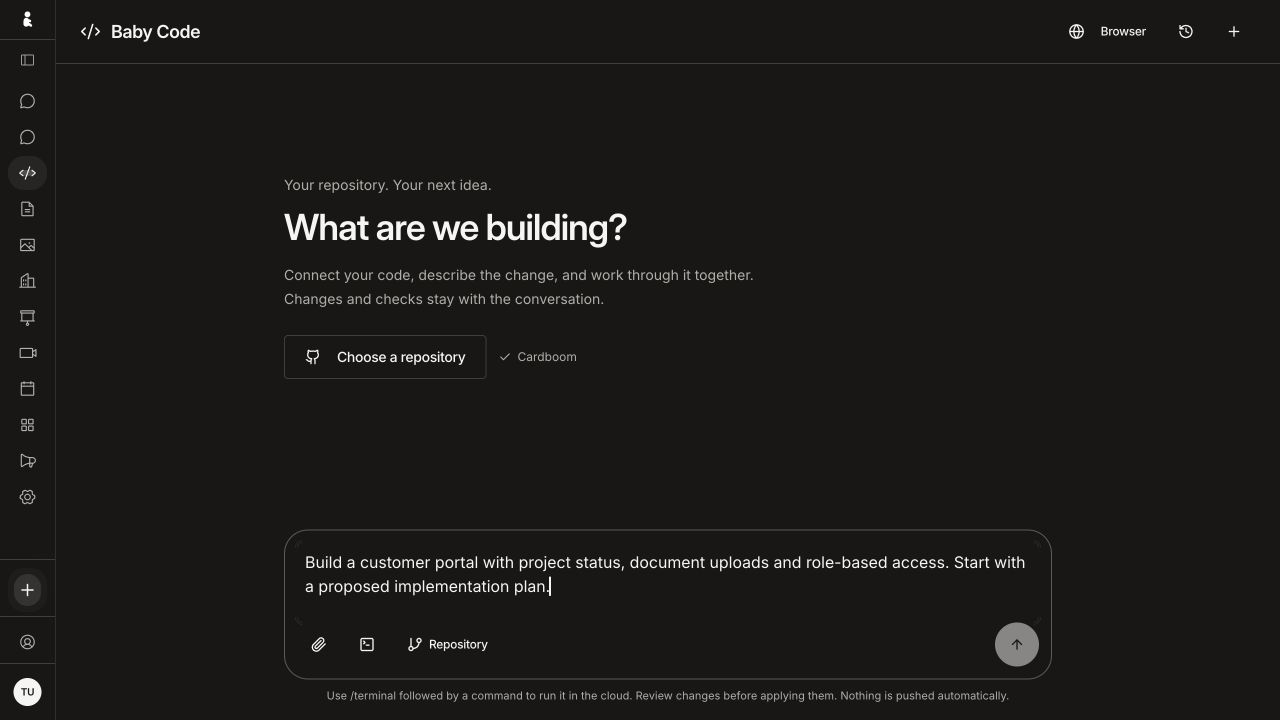
Brainbaby AI
See how Brainbaby gives coding and presentation work their own browser workspaces.
Catalogues and connected systems
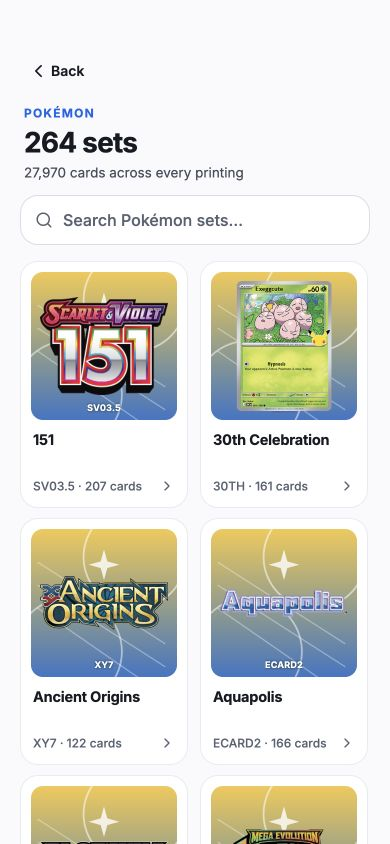
Cardboom
Explore Cardboom’s catalogue journey and the engineering decisions behind its collector tools.
These are owned-product examples. Screens show the documented interface versions; the case studies explain their capture context and the scope of the engineering review.
Compare the interface model with your design requirements
React Native provides built-in components and APIs for mobile interfaces, including platform-specific capabilities. Flutter uses its own widget and rendering layers, with platform integration underneath. Flutter’s architecture documentation also describes native controls and platform channels. These differences explain implementation choices; they do not establish that one app will be faster or look better.
Ask the proposed team to demonstrate your difficult screens on both target platforms. Review text scaling, keyboard behavior, screen-reader order, gestures, permissions and reduced-motion behavior alongside brand consistency. A matching screenshot is useful design evidence, but it does not prove that interactions or accessibility work on a device.
Check native integrations and library support early
List the camera, notifications, payments, sign-in, background work and third-party SDKs the app needs. For each dependency, check support for the proposed framework and versions, maintenance activity, licensing, required native configuration and the person responsible for upgrades. A package appearing in a directory is only the start of that review.
Expo Go has a defined set of available native libraries. Expo’s documentation explains that a development build allows custom native code or configuration. When evaluating a React Native proposal using Expo, request the build type that can actually exercise your required integration rather than assuming an Expo Go demonstration covers it.
Assess the team and the maintenance plan
An existing React and TypeScript team may have relevant experience for a React Native project; a Flutter proposal needs people who can work with Dart and its toolchain. In either case, ask for reviewed code, experience with your required integrations and a clear plan for mobile testing. Web experience alone does not prove mobile delivery experience.
Compare the actual people available for the project instead of unsupported claims about global hiring pools. Name who reviews native changes, upgrades dependencies, maintains signing and build configuration, and investigates release failures. Agree the handover documentation and support scope before implementation starts.
Separate code sharing from web and SEO requirements
For a product with a web app, identify what can realistically be shared: data definitions, validation, API contracts and selected business rules. Record what remains platform-specific, such as navigation, accessibility, authentication storage and device features. Shared code still needs tests for each supported environment.
A signed-in application and a search-facing website have different jobs. Flutter’s web guidance distinguishes dynamic application experiences from document-style content and recommends an HTML approach for search-facing landing, marketing and help pages. A mobile framework decision should therefore include a separate plan for crawlable web content, rather than treating a web target as proof of SEO readiness.
Measure performance on the app you intend to release
Define the measurements that matter for your journey: startup time, scrolling with representative data, camera response, image loading, memory use and behavior on a slow connection. Compare release builds on named devices with the same workload. Keep the build revision, device and test conditions beside the results.
A framework’s rendering architecture does not predict every application’s performance. Large images, data access, list implementation, network behavior and native dependencies can all change the result. Ask for measured evidence before accepting claims that a framework is always faster, cheaper or smoother.
Make the framework decision reviewable
The recommendation should connect the chosen framework to the product’s requirements, identify the tradeoffs and name any unresolved integration. A bounded prototype can resolve a specific uncertainty before committing to a wider build. Keep its acceptance criteria and limitations visible in the proposal.
Share the app’s main journey, existing web systems, required integrations, supported devices and team constraints with Brainbaby Labs. We can discuss the mobile interface and the web or infrastructure work around it, then define an appropriate first engagement.